Skip to content

Roofing jobs, from the storm to the new roof

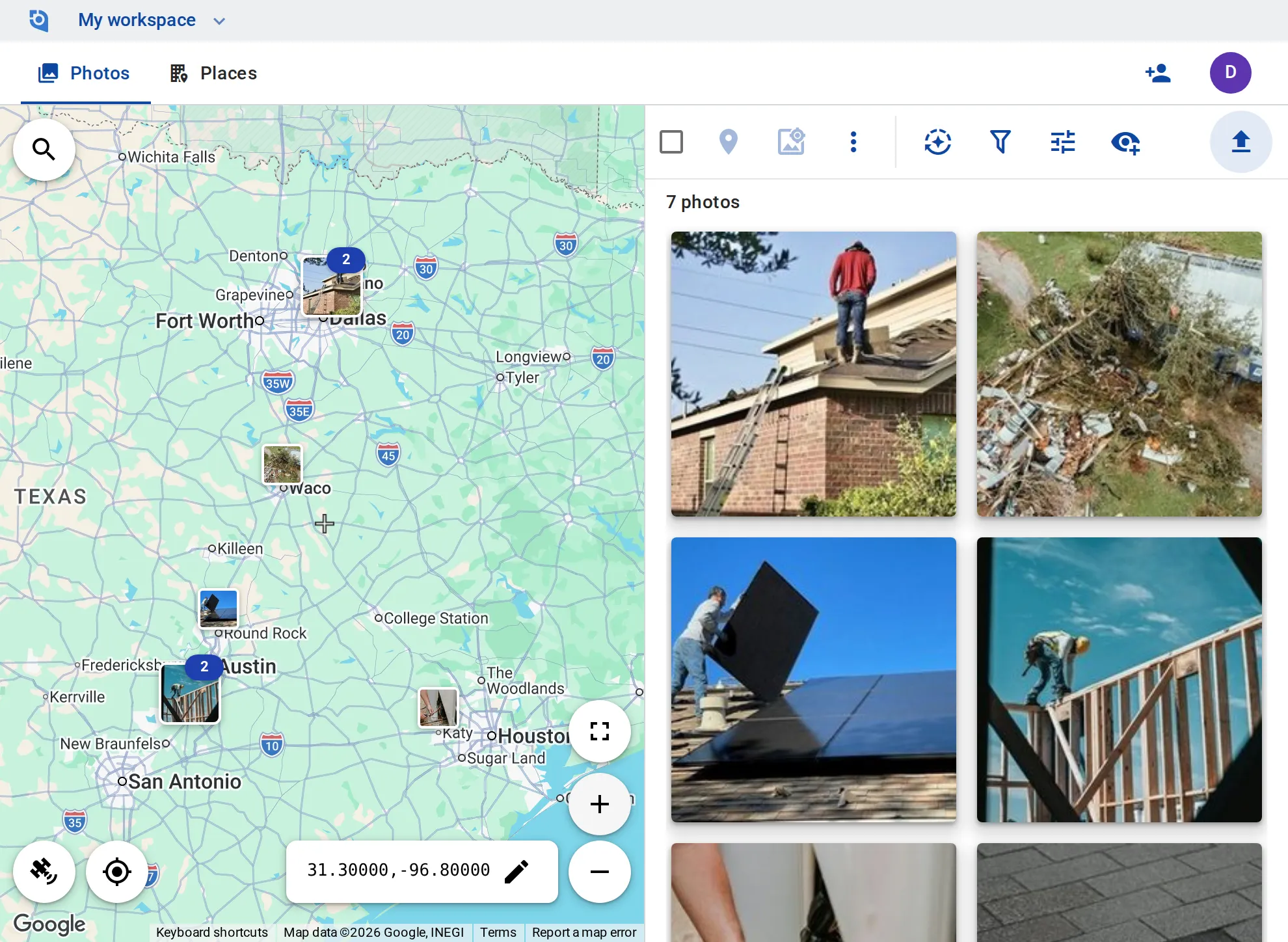
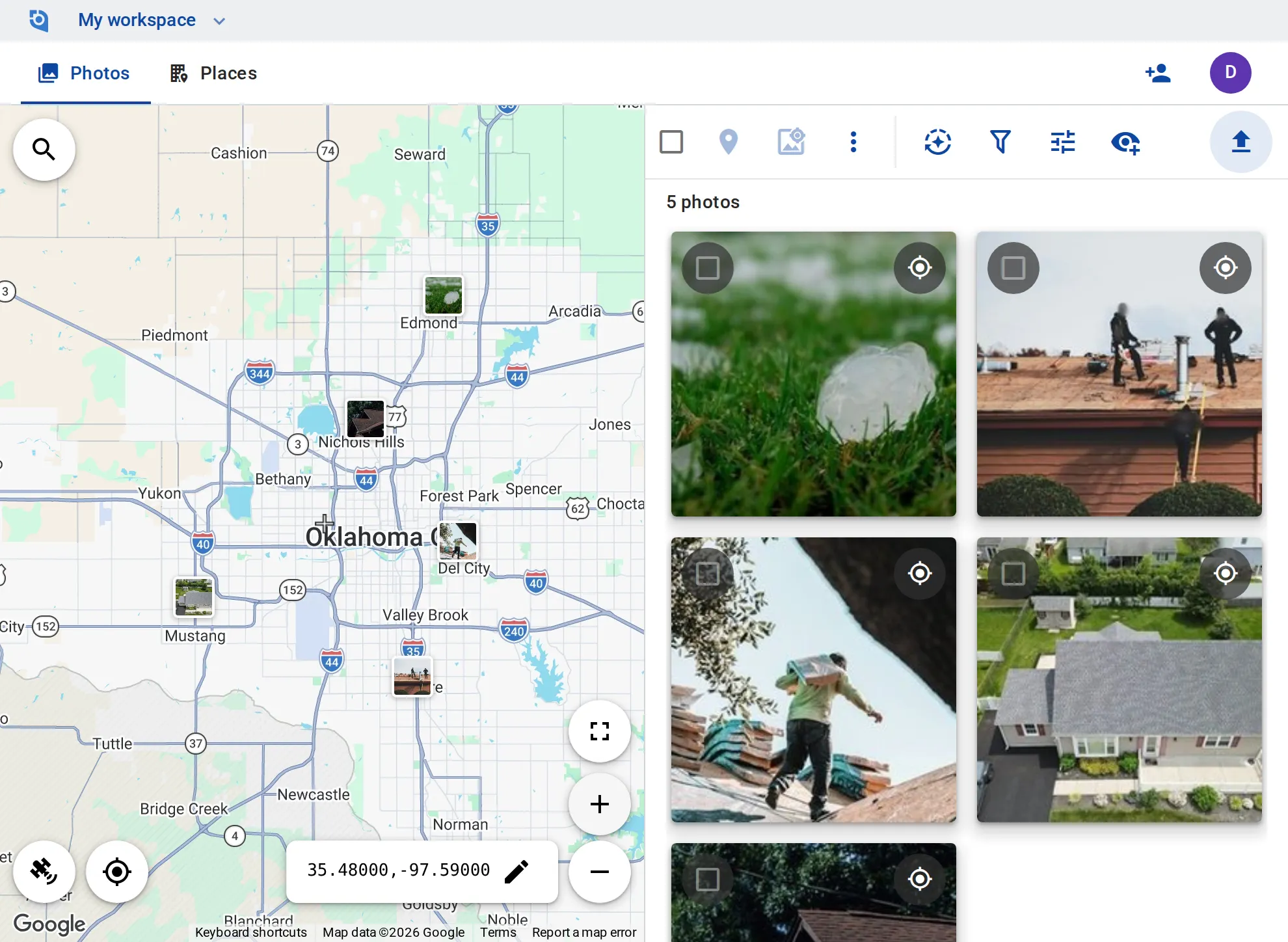
Hail on the homeowner’s lawn, the old roof coming off, the soft decking underneath and the new roof from the drone: your crews upload from the job, and the office finds every photo of a roof at its address on the map, for the homeowner, the claim paperwork and your Google Business Profile.
See pricing
GeoTag.com showing roofing jobs across the Oklahoma City metro on a map, with photos of hailstones on a lawn, a crew on a stripped roof deck, new shingles going on and a finished new roof

Why roof photos matter

The before goes in the dumpster

Once the tear-off starts, the hail-damaged shingles are gone. The inspection photos are the only record of what the roof looked like, and the homeowner’s claim paperwork often asks for them.

What was under the old roof

Soft or rotten decking only shows once the shingles are off, and the extra sheets on the invoice need photos the homeowner can see, taken before the underlayment covers them.

New damage or old?

When a roof you put on comes back after the next storm, the question is what the storm did and what was there before. The install photos and your last check at that address show the roof as you left it.

A place per roof

Each roof is a place at the customer’s address, with the claim number in its description and tags such as “Hail”, “Tear-off”, “Decking” or “Warranty”.

Stamped and zipped for the claim

Stamp the date and time, the coordinates and the claim number onto a roof’s photos, a whole selection at once, and download them as one ZIP of up to 1,000 files with GPS and date written into each copy.

Install photos for the warranty

Tag a finished roof “Warranty”. When it comes back after a storm, zoom the map to it and sort the photos in view by date taken: the install first, then the new check.

Before and after for the homeowner

Send the homeowner the hail damage, the decking you replaced and the finished roof, each as a link to one photo, and turn the links off later.

Post to Google Business Profile

Post a finished job’s photo with text and a button to your profile, now or scheduled for later.

Photos for your service-area pages

Host processed photos at lasting public URLs and embed them on your website, with GPS and keywords written into the copies you download.

Put your roofs on the map

Contributor and editor roles for your crews and reps, Google Business Profile posting and unlimited EXIF writing come with the Business plan: $100 per user a year, from 3 users, with a 14-day free trial.

See pricing

Request an invite

GeoTag is invitation only while we onboard a small group of people before launch. Write to us and we'll get back to you about an invite.

It helps to tell us:

  • what you'd use GeoTag for,
  • roughly how many photos or locations,
  • whether you'll use iPhone, Android or the browser.
hello@geotag.com

Email us