Skip to content

Location photos for every client, one workspace

Put your clients’ photos where they were taken, write the metadata into the files you download, and post them to their Google Business Profiles — without a desktop tool in between.


See pricing
A bakery counter with fresh loaves, with the place name and its GPS coordinates stamped on the photo by GeoTag
A brick medical center with a curved entrance canopy
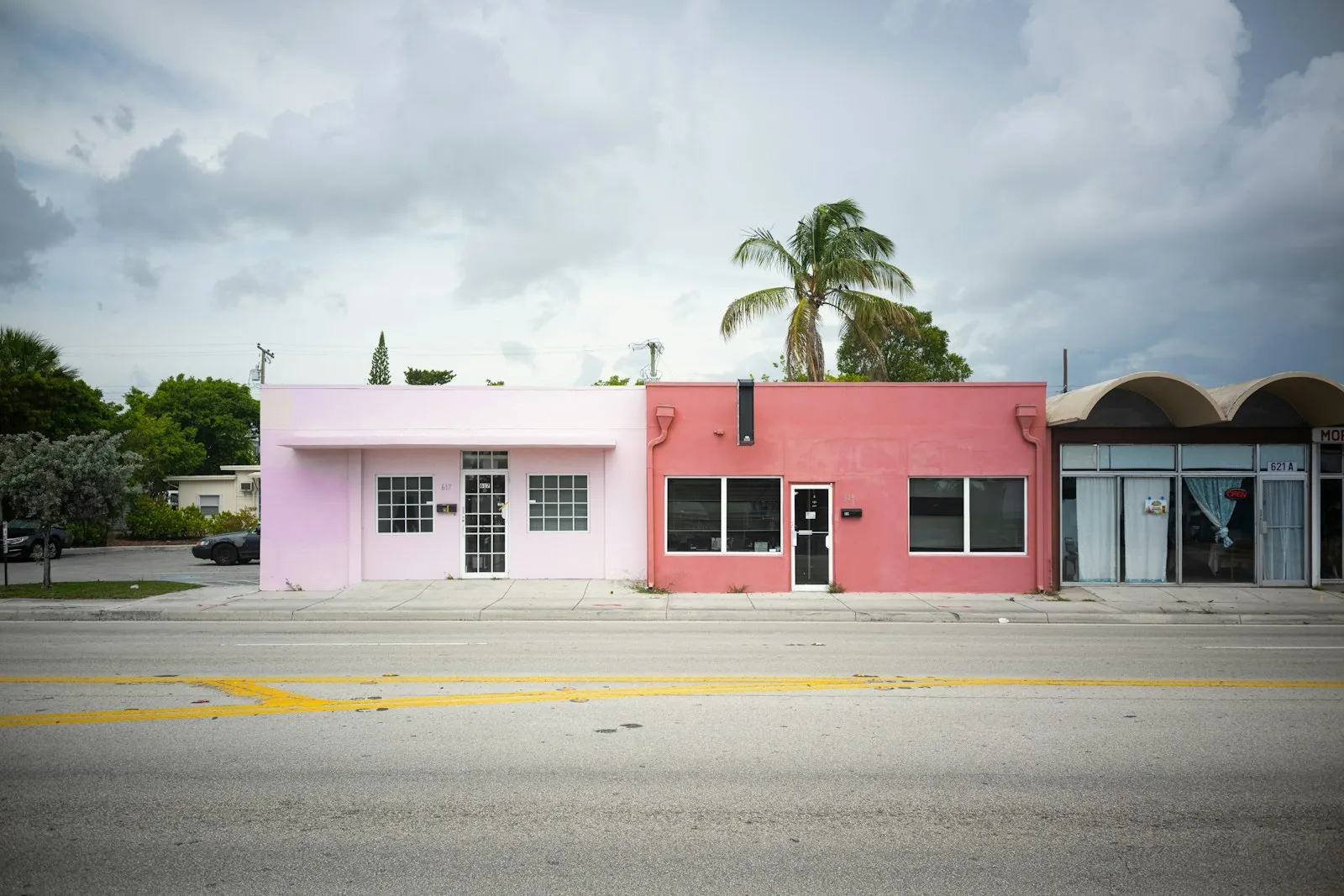
A pink-painted law office on a palm-lined street

The usual toolchain

A folder per client

Client photos sit in folders and shared drives, with nothing that shows which location each one belongs to.

Metadata by hand

GPS and keywords go into each file with a desktop tool like ExifTool, and the files go back into the folder.

Posting profile by profile

Photos go up in each client’s Google Business Profile separately, and a spreadsheet tracks what went where.

A place for every client location

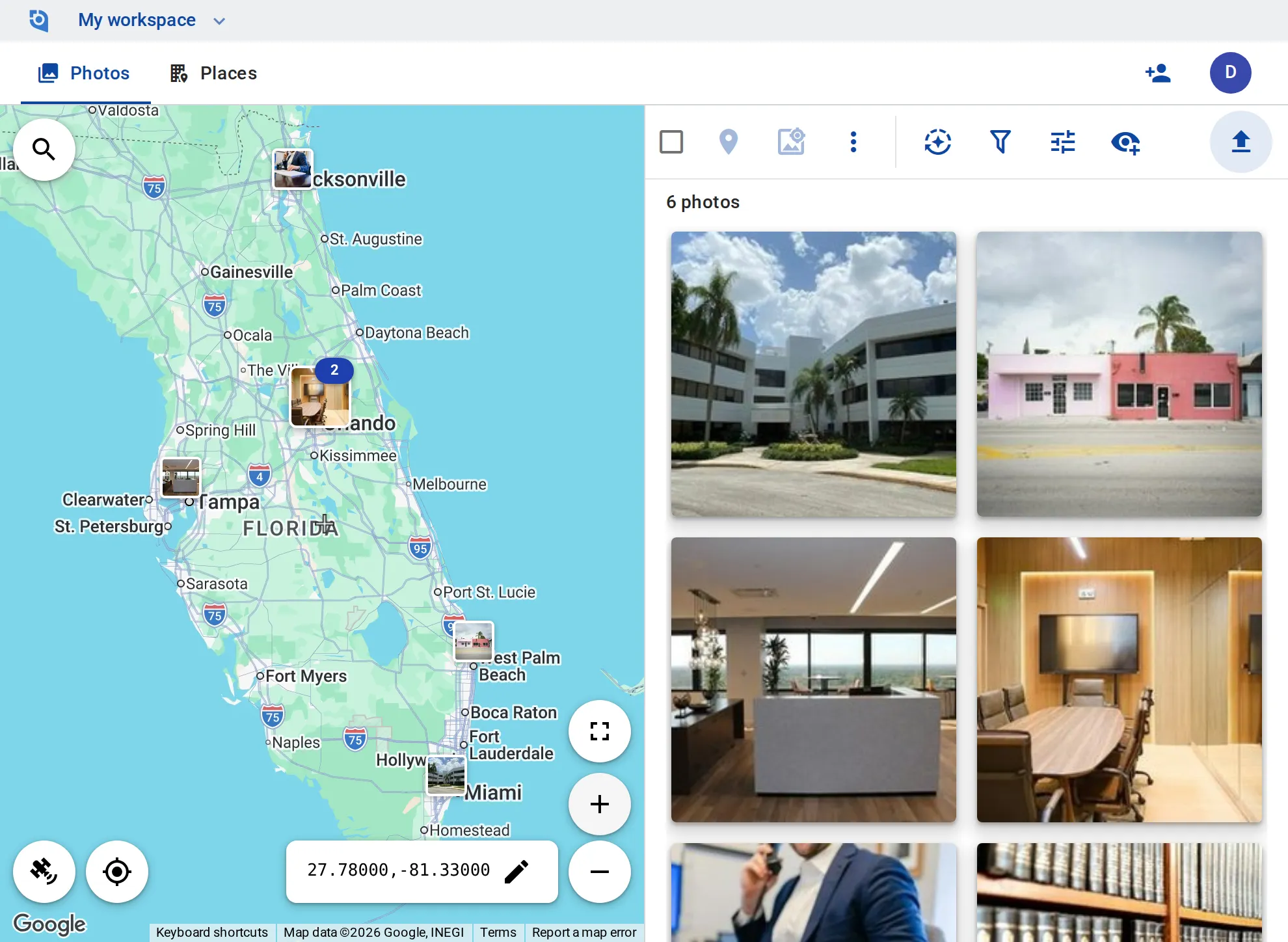
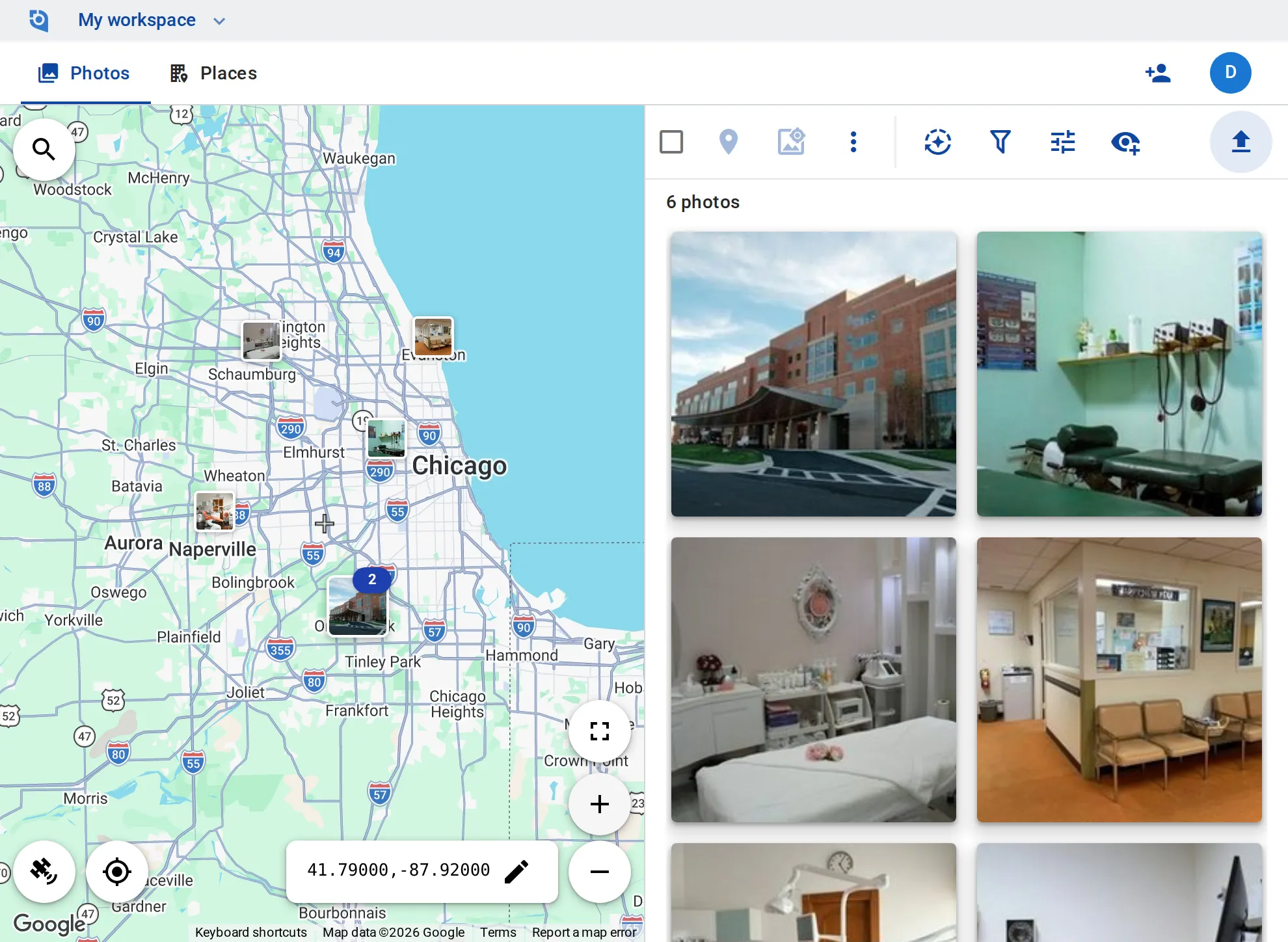
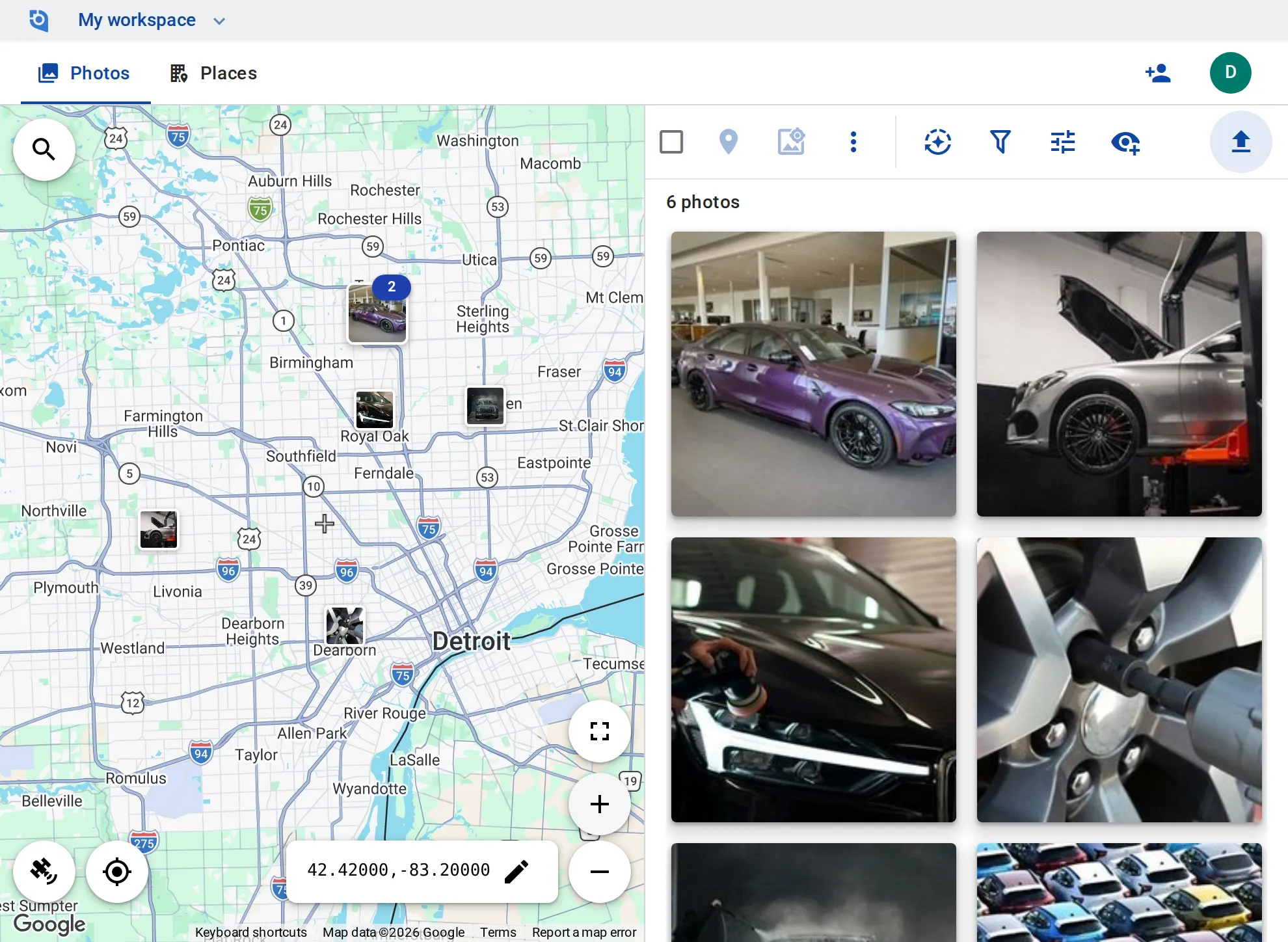
Find the business with Google place search and link its place, then keep every photo of that location together on the map.

Set locations in a few clicks

Drag a photo’s marker to the right spot, or geotag a whole selection to the map center at once.

Metadata in the file

Write GPS, description, keywords and date into the processed copies you download — unlimited on the Business plan.

Post to Google Business Profile

Connect the Google account that manages your clients’ profiles and post a photo with text and a button — now, scheduled, or as an event.

Photos for the client’s website

Host processed photos at lasting public URLs and embed them on your clients’ sites.

Your team, your rules

Invite your team as viewers or contributors, make editors of those who manage everything, and choose which members may post to Google Business Profile.

Bring your clients’ photos together

Google Business Profile posting, hosting, and contributor and editor roles come with the Business plan: $100 per user a year, from 3 users, with a 14-day free trial.

See pricing

Request an invite

GeoTag is invitation only while we onboard a small group of people before launch. Write to us and we'll get back to you about an invite.

It helps to tell us:

  • what you'd use GeoTag for,
  • roughly how many photos or locations,
  • whether you'll use iPhone, Android or the browser.
hello@geotag.com

Email us